


7 Best Cloud Video Door Phones for Global Buyers?
Choosing a Cloud Video Door Phone is not simply a matter of picking the sharpest camera. Global buyers must weigh image quality, app reliability, installation needs, and ongoing cloud costs. A clear view of a visitor matters, especially at night or in a narrow entryway. So does hearing them without delay. Small details count: a door station exposed to heavy rain needs suitable weather protection, while a large home may need stronger Wi-Fi or wired networking. These practical factors can affect daily use more than a long feature list.
This guide compares seven options for different homes, buildings, and budgets. It considers video performance, remote answering, access control, storage choices, and compatibility with existing systems. No single model fits every property. A product popular in one region may have limited local support elsewhere, and network requirements can differ. Check the manufacturer’s specifications and confirm service availability before buying. Also review how recordings are stored and who can access them. Cloud features can be convenient, but they are not automatically the right choice for every household. Sometimes a simpler setup is better. That may be an inconvenient conclusion, but it is worth considering. With those trade-offs in view, buyers can compare the best options more carefully and choose a system suited to their actual entryway, connection, and support needs.
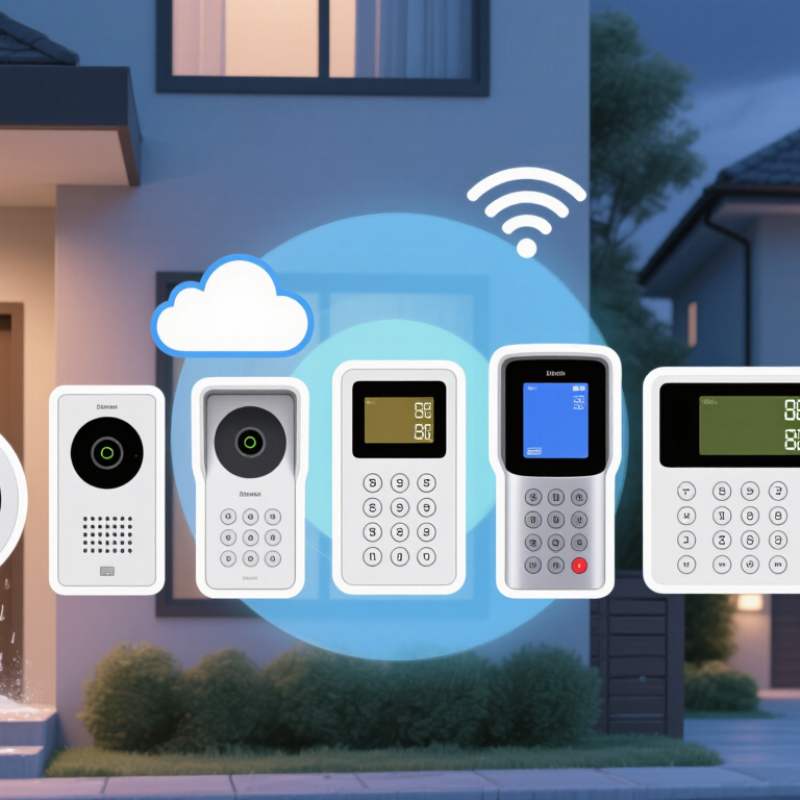
What Cloud Video Door Phones Are and How They Work
A cloud video door phone combines an outdoor camera, microphone, speaker, and doorbell with an indoor screen or phone app. When a visitor presses the button, the device captures audio and video, then sends them through the home router to a cloud service. The service relays an alert and live stream to the resident. The resident can talk back, and some systems can send an unlock command to a compatible door controller. Cloud storage may save clips, but it is not essential to live communication.
The ITU’s Facts and Figures 2024 report estimated that 5.5 billion people—68% of the world’s population—used the internet. About 2.6 billion remained offline. That gap matters: a cloud-dependent door phone may respond slowly or lose remote access when a connection is weak. A neat feature list can hide a messy reality. Check whether the model supports local operation, what happens during an outage, and how long recordings remain stored. “Cloud” does not automatically mean safer or more reliable. Look for clear encryption and data-retention details, and test the microphone from the actual porch; traffic noise can make a polished demo sound very different.
