


What Is the Best Managed Network Switch in 2026?
A Managed Network Switch is no longer just a box with blinking lights. In 2026, it may need to separate guest Wi-Fi from payment devices, prioritize voice traffic, and keep a crowded office online. The “best” choice depends on the work it must do. A quiet eight-port switch for a small studio has different demands from a 48-port PoE model powering cameras and access points. Port count matters. So do PoE budgets, VLAN controls, monitoring, warranty, and the time required to manage it.
Market reports offer useful context, but not a universal winner. IDC’s Worldwide Quarterly Ethernet Switch Tracker and Dell’Oro Group’s Ethernet Switch & Router research follow market shipments and revenue. Those figures help show where the market is moving; they cannot tell you whether a particular switch fits your rack, cabling, or support team. For practical comparison, this guide weighs specifications alongside setup effort, software limits, and long-term operating costs. A low purchase price can hide an awkward management interface or licensing fees. Small details add up.
Network researcher Andrew S. Tanenbaum once quipped, “The nice thing about standards is that you have so many to choose from.” That line suits switch buying: standards help devices work together, but features and implementations still vary. This guide will compare leading options by use case, not by hype. It will also flag trade-offs that product sheets often blur. No shortlist replaces a hands-on test. Before choosing, check the switch against your actual port map, power needs, and monitoring tools. The right answer may be less exciting—and more dependable—than the spec sheet suggests.
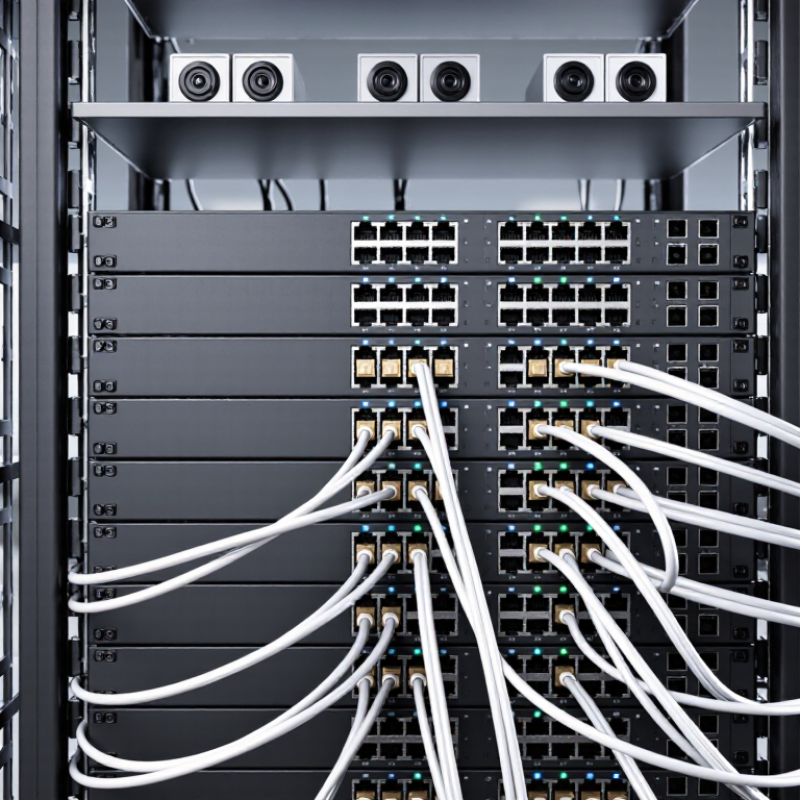
What Is a Managed Network Switch?
What Is a Managed Network Switch?
A managed network switch connects devices across a local network and lets an administrator configure how traffic moves. Unlike an unmanaged switch, it provides controls through a web interface, command line, or network-management software. An administrator can create virtual LANs, prioritize voice calls, monitor traffic, and disable unused ports. That visibility helps when a meeting-room camera suddenly drops offline. It also takes time to configure and maintain.
These controls can support stronger network operations, but they do not guarantee security. The 2024 Data Breach Investigations Report found that 68% of breaches involved a non-malicious human element, such as an error or social engineering. Managed switches can help limit access and separate devices, yet poor settings can create gaps. Still, a switch is only one part of a network’s defenses.
Tips: Start with a simple network map. Separate guest Wi-Fi from staff devices using VLANs, and disable unused ports. Review logs regularly. Small oversights matter. Keep a record of changes, too; even experienced teams can forget why a setting was changed.
