


Best Industrial Touch Display Manufacturers in China
Choosing an Industrial Touch Display manufacturer in China involves more than comparing screen sizes and quoted prices. Buyers must consider how the display will perform in its actual environment. A factory control panel may face dust, vibration, frequent cleaning, or long operating hours. A kiosk used indoors may have different needs. The right supplier should understand these conditions and explain how its products are tested. Clear answers matter.
This guide introduces key factors for evaluating Chinese manufacturers, including display brightness, touch technology, interface options, enclosure design, customization, and production support. It also highlights practical questions about sample evaluation, quality checks, lead times, and after-sales service. Details matter. Ask whether a proposed model has been tested under conditions similar to your application, and request relevant specifications rather than relying on broad assurances. Review communication quality, too: slow or unclear responses can complicate a project later. No single supplier is ideal for every use case. Even a strong product may need adjustments, and that is worth acknowledging early. The aim is not to crown a universal winner, but to help readers compare manufacturers with evidence, technical fit, and realistic expectations.
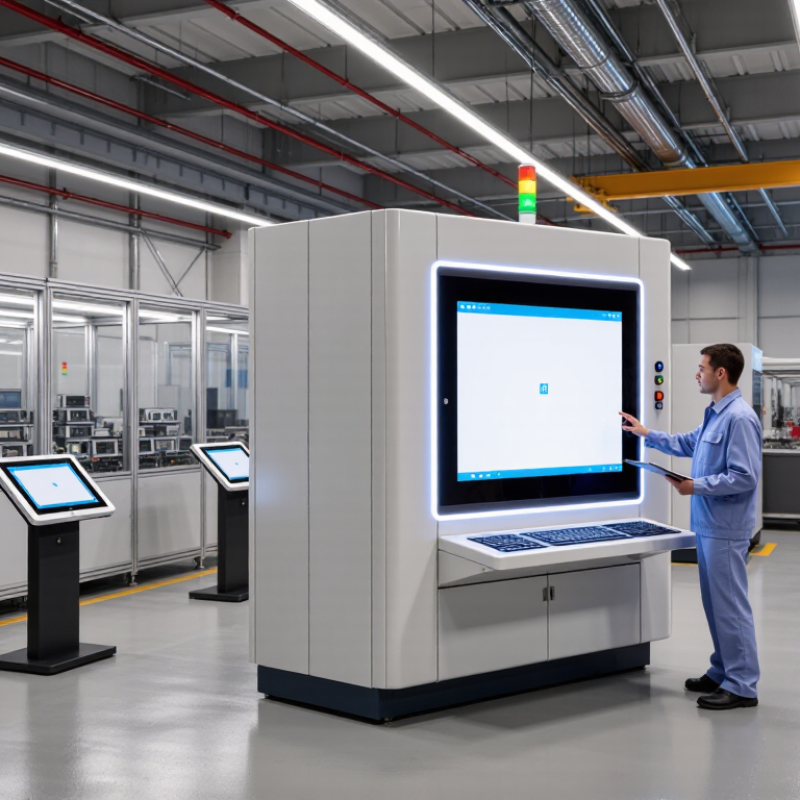
What Industrial Touch Displays Are and How They Work
Best Industrial Touch Display Manufacturers in China
What Industrial Touch Displays Are and How They Work
An industrial touch display combines a screen with a touch sensor, letting operators view information and control equipment directly. Unlike a typical office monitor, it is designed for demanding settings such as production lines, kiosks, and vehicle cabins. The terminology can be messy. A useful distinction is whether the touch layer uses projected capacitive sensing or resistive sensing. Capacitive panels detect changes in an electrical field and often support multi-touch. Resistive panels register pressure, so they can work with a gloved finger or a stylus.
When a user touches the glass, the sensor sends a signal to a controller. The controller estimates the touch location and passes coordinates to the connected computer or embedded system. That system then responds, perhaps by opening a control screen or changing a machine setting. Simple enough.
Performance depends on more than the panel itself. Brightness affects readability near windows, while sealing helps limit dust or moisture entry. Temperature range, glove compatibility, and resistance to electrical interference also matter. For buyers comparing Chinese manufacturers, ask for test conditions and interface details, not just a headline specification. A bright panel may still reflect overhead lights. That detail is easy to miss. Real installation conditions can expose gaps that a datasheet does not show, so sample testing is worthwhile.
