


10 Wireless Barcode Scanner Buying Tips for Global Buyers
Global buyers choosing a Wireless Barcode Scanner need more than a low quoted price. Range, scanning performance, battery life, and host compatibility shape everyday results. Small details matter. A scanner that reads a smudged label at arm’s length may save repeated trips across a busy warehouse aisle. One that pairs easily with your existing tablet can reduce setup time.
The right choice depends on where and how your team works. A retail counter has different needs from a cold storage room or a large distribution center. Check the stated wireless range, supported barcode types, charging method, and compatibility with your operating systems. Ask suppliers for clear product specifications, warranty terms, and access to technical support in your region. If possible, test a sample with your own labels and devices before placing a large order.
Specifications are useful, but they do not tell the whole story. A scanner may look ideal on paper and still feel uncomfortable during a full shift. Weigh the trigger, grip, charging routine, and ease of replacing accessories. Also consider communication delays, regional availability, and the time needed to train staff. There is no perfect model for every market. These ten buying tips will help you compare options carefully, ask better supplier questions, and choose equipment that fits your real workflow—not just the product sheet.
Identify Barcode Types, Workflows, and Scanning Requirements
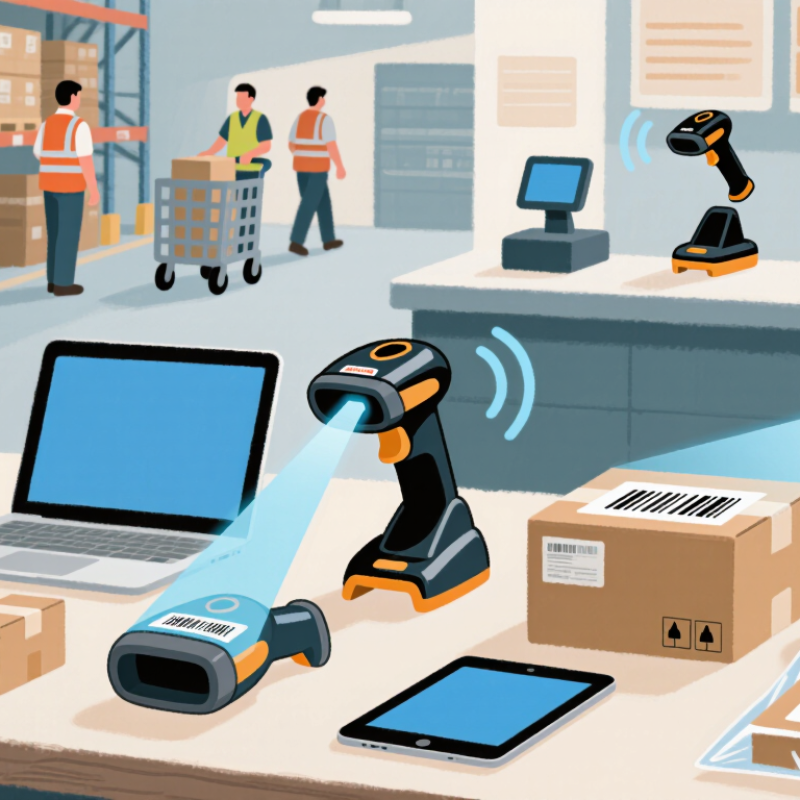
Identify the barcode before comparing wireless scanners. UPC and EAN are common on retail items; Code 128 often appears on cartons and labels. QR and Data Matrix codes hold more information in compact spaces. Confirm the actual symbol, print quality, and smallest label your team handles. A scanner that reads a large carton code may struggle with a worn code on a curved package. Test real samples. Not just catalog images.
Map the scan to the workflow. Does staff scan items at arm’s length, from a forklift, or at a packing bench? Check read distance, daily scan volume, connection range, and whether the device can store scans during a temporary network outage. Range matters. The 2024 MHI Annual Industry Report reports that 55% of surveyed organizations use robotics and automation, while 73% expect to use them within five years. This signals growing automation, not a scanner-specific forecast. Still, it makes workflow compatibility worth checking: confirm pairing with your terminals and software, battery life across a full shift, and resistance to dust or drops. Test during a busy shift; a few missed scans can slow the line. I would also retest after changing label stock. That step is easy to overlook.
