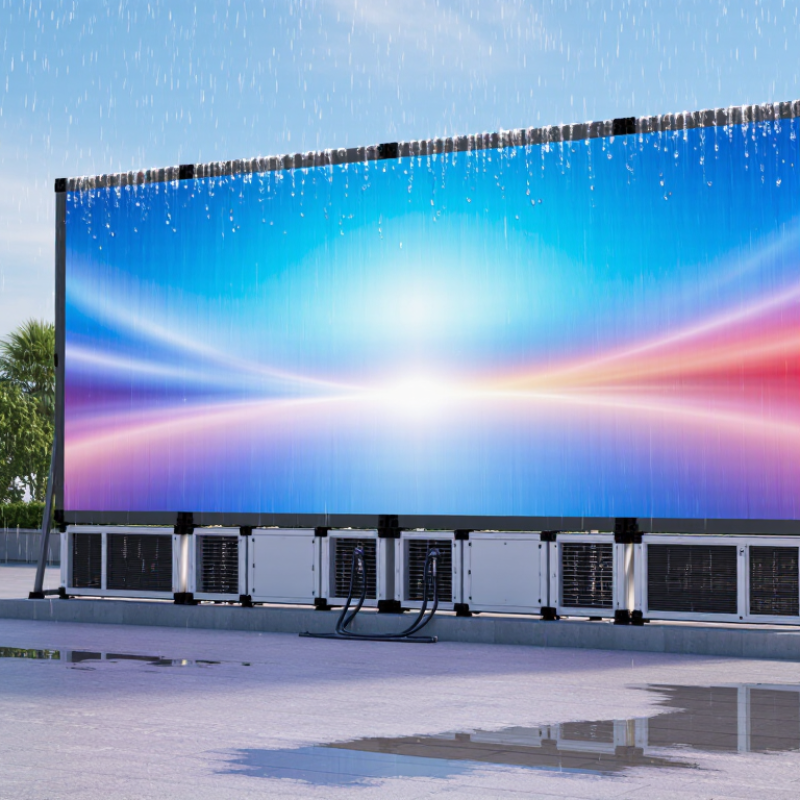
| Weather Resistance | Front and rear protection rating | IP65 or higher for outdoor applications; the first digit indicates protection against dust, while the second digit indicates protection against water jets. | Reduces the risk of dust ingress, rain damage, and cleaning-related water penetration. | Request the product IP test report and confirm whether the rating applies to the complete assembled display or only individual modules. |
| Mechanical Protection | Impact resistance | Consider an enclosure and protective surface tested to an appropriate IK rating where vandalism, sports activity, or public access is expected. | Helps protect LEDs, masks, cabinets, and front covers from accidental or deliberate impact. | Review the applicable IEC 62262 impact-test classification and inspect the proposed cabinet construction. |
| Operating Temperature | Temperature range | Choose equipment with a published operating range suitable for the installation site. Common outdoor designs support approximately −20°C to +50°C, but the actual range varies by model. | Prevents brightness instability, component stress, condensation, and unexpected shutdowns during seasonal extremes. | Compare the supplier’s temperature specification with local historical low and high temperatures, including solar-heating effects. |
| Climate Control | Heat dissipation | Prefer sealed cabinets with passive ventilation or thermostatically controlled fans where required. Avoid designs that allow unfiltered humid air to circulate directly over electronics. | Efficient thermal management extends component life and reduces brightness drift and power-related failures. | Request thermal test data, cabinet airflow details, fan-replacement procedures, and maximum internal temperature limits. |
| Moisture Management | Condensation control | Use sealed cable glands, correctly installed gaskets, drainage paths, and anti-condensation measures appropriate to the local humidity and temperature cycle. | Condensation can cause corrosion, short circuits, image defects, and intermittent communication failures even when rain protection is adequate. | Inspect enclosure seals and ask for the recommended installation orientation, drainage design, and humidity limitations. |
| Structural Installation | Wind-load design | Design the supporting structure for the site-specific basic wind speed, exposure category, mounting height, screen area, and local building-code requirements. | Wind pressure is often a greater structural risk than the display’s own weight, especially for large freestanding or rooftop screens. | Require stamped structural calculations or engineering review by a qualified local professional before fabrication. |
| Structural Installation | Mounting and access | Provide secure anchoring, corrosion-resistant hardware, service clearance, lifting points, and safe front or rear access for cabinet replacement. | Correct access planning reduces installation time and prevents unsafe maintenance practices. | Review installation drawings, anchor details, maintenance clearances, load paths, and lifting instructions. |
| Electrical Installation | Power distribution | Use correctly rated circuits, overcurrent protection, grounding, surge protection, and cable sizing based on the display’s maximum power demand and installation distance. | Protects personnel and equipment from overloads, lightning-related surges, voltage drop, and unstable operation. | Check single-line diagrams, maximum current calculations, protective-device ratings, and local electrical-code compliance. |
| Electrical Installation | Lightning and surge protection | Evaluate the need for site grounding, bonding, surge protective devices, and lightning protection according to local risk and electrical regulations. | Outdoor displays are exposed to long cable runs, elevated structures, and weather-related transient voltages. | Obtain a grounding plan and confirm testing procedures for earth resistance and bonding continuity. |
| Image Performance | Brightness selection | Typical outdoor displays use approximately 5,000–10,000 cd/m², depending on sunlight exposure, viewing distance, and local regulations. | Insufficient brightness reduces daytime visibility, while excessive brightness increases energy use and may cause glare. | Request calibrated brightness data, automatic light-sensor control, and a nighttime brightness limit. |
| Image Performance | Viewing distance and pixel pitch | Select pixel pitch according to viewing distance, content type, and required image detail. Smaller pitch generally supports closer viewing but increases cost. | A suitable pitch improves readability and avoids unnecessary resolution or budget increases. | Review pixel-pitch calculations, sample content, and an on-site viewing test when possible. |
| Maintenance | Routine inspection frequency | Perform visual inspections at least monthly in normal conditions; inspect more frequently in coastal, dusty, industrial, or high-humidity environments. | Early detection of loose hardware, blocked drainage, corrosion, damaged seals, and abnormal modules reduces downtime. | Use a documented checklist covering cabinets, cables, seals, structure, brightness, temperature, and fault logs. |
| Maintenance | Cleaning procedure | Clean the display with manufacturer-approved methods after isolating power where required. Do not use abrasive tools, high-pressure water, or unapproved solvents. | Improper cleaning may damage LED surfaces, protective coatings, gaskets, and electrical connections. | Request a written cleaning method, approved materials list, and water-pressure limitations. |
| Maintenance | Spare-parts planning | Keep critical spare modules, power supplies, receiving cards, cables, fuses, and sealing components available for the expected service period. | Local spare parts shorten repair time and reduce the impact of shipping delays or product discontinuation. | Confirm the recommended spare-parts ratio, storage conditions, compatibility, and guaranteed availability period. |
| Maintenance | Remote monitoring | Use monitoring for temperature, power status, communication faults, brightness, and cabinet-level alarms where the control system supports it. | Remote alerts allow operators to address faults before they become visible or cause extended outages. | Request a demonstration of alarm reporting, access controls, event logs, and network-security measures. |
| Reliability | Power and signal redundancy | Consider redundant power supplies, signal paths, or control components for mission-critical displays and high-availability applications. | Redundancy can limit the affected area and maintain operation when an individual component fails. | Review the redundancy architecture, automatic failover behavior, and failure-recovery test results. |
| Compliance | Testing and documentation | Request electrical safety, electromagnetic compatibility, environmental, structural, and ingress-protection documentation relevant to the project location. | Complete documentation supports permitting, safety reviews, insurance requirements, and future maintenance. | Verify test reports, declarations, installation manuals, wiring diagrams, and revision-controlled drawings. |
| Total Cost | Lifecycle cost | Evaluate purchase price together with energy consumption, structure, installation, spare parts, access equipment, maintenance labor, software, and disposal. | The lowest initial price may result in higher energy use, maintenance costs, or downtime over the display’s service life. | Compare a multi-year total-cost-of-ownership model using the same operating hours and brightness schedule. |
| Supplier Evaluation | Warranty and service support | Confirm warranty coverage, response times, remote support, on-site service availability, software updates, and exclusions for weather or improper installation. | Clear service obligations reduce disputes and help maintain performance after commissioning. | Review the contract, service-level commitments, escalation process, and commissioning acceptance criteria. |