What Is a TTlock Smart Lock and How Does It Work?
A TTlock Smart Lock is an electronic door lock managed through the TTLock mobile application. Despite its name, TTLock usually refers to a smart-lock platform, not one single lock design. Different manufacturers may use the system with varied hardware, features, and security controls.
The lock typically communicates with a smartphone through Bluetooth. After installation, an owner can create digital keys, temporary passwords, or fingerprint access, depending on the model. Some devices also support RFID cards, remote management gateways, and activity records. A visitor might enter a six-digit code while standing outside the door, instead of carrying a physical key.
It sounds simple.
Inside the lock, a small motor moves the deadbolt after receiving an approved command. Batteries power that movement, so battery condition matters. Low power can cause frustrating failures at inconvenient times. Most models provide warnings, but owners should still test emergency access and keep the mechanical key available.
This guide explains how a TTlock Smart Lock works, from installation and pairing to daily access management. It also considers practical security issues, including password sharing, phone loss, Bluetooth range, and software updates. Features differ between models, so product manuals deserve careful attention. A lock may appear advanced while offering limited protection if installed poorly or connected to a weak door frame. That point is easy to overlook. Reliable smart-lock use depends on hardware quality, careful setup, and sensible access habits—not the app alone.
What Is a TTLock Smart Lock?
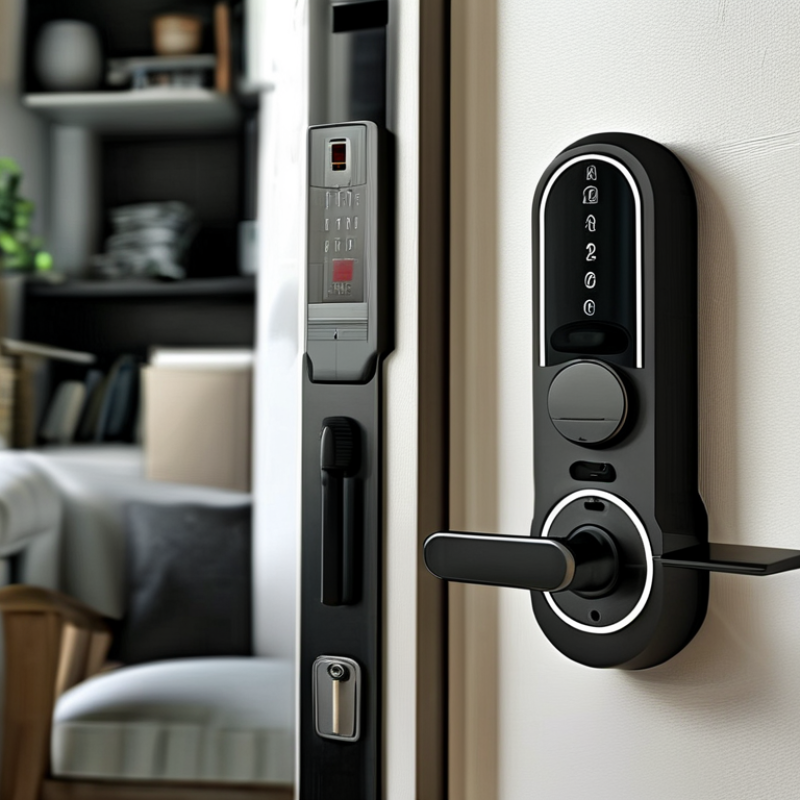
A TTLock smart lock is an electronic access system managed through a mobile application. It usually connects to a door lock through Bluetooth, while an optional gateway enables remote control over the internet. Users can create temporary passcodes, share digital keys, check entry records, and manage multiple doors from one account. Some compatible models also support fingerprint, card, or mechanical-key access.
The main advantage is controlled, trackable entry. A property manager can issue a code for a cleaner and set its expiration time. A homeowner can receive an alert after a guest unlocks the door. However, the lock is not “smart” by itself. Its safety depends on secure passwords, updated firmware, battery condition, and the quality of the installation. The 2024 Fortune Business Insights report valued the global smart-lock market at about 2.4 billion US dollars in 2023, showing strong adoption. Yet market growth does not guarantee perfect security.
Tip: Keep a physical key available. Test the emergency power function before installing the lock. Use separate administrator and guest credentials, and remove unused access immediately. NIST guidance also recommends strong authentication and regular account review. In practice, I would inspect the door alignment first; a powerful motor cannot fix a bolt rubbing against the frame. That small detail is easy to overlook.